
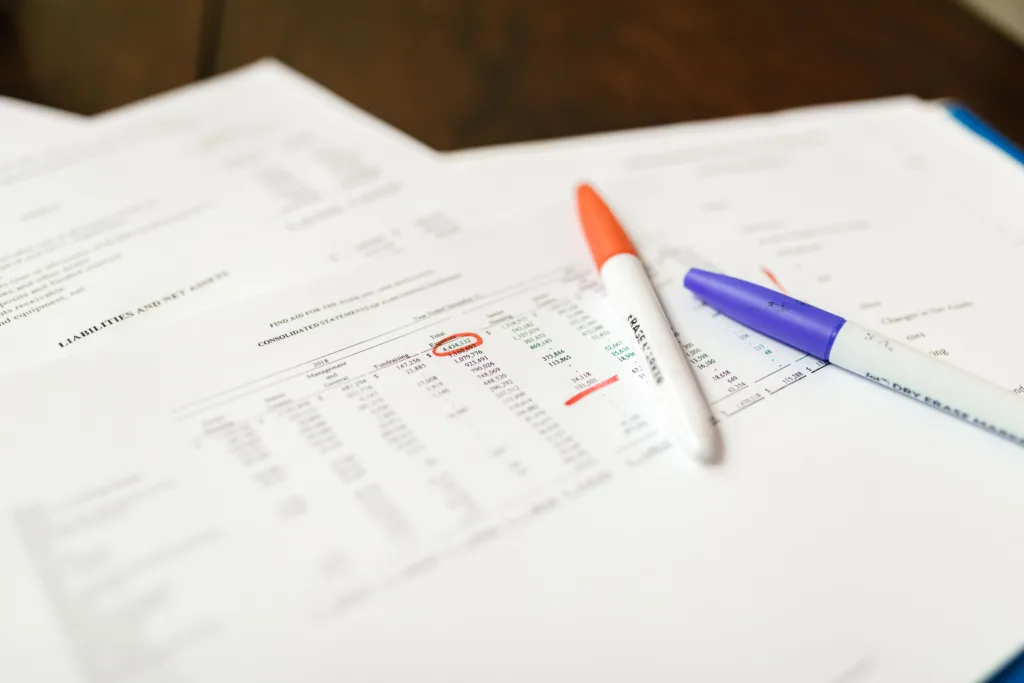
A company UTR number is the 10-digit Unique Taxpayer Reference that HMRC gives every limited company for Corporation Tax. HMRC creates it automatically after you register your company at Companies House, and then posts it to your registered office.
You need your company UTR to register for Corporation Tax, file your company tax return and pay your tax bill. This guide explains where to find it, how to request it if you have lost it, and how it differs from your other company numbers.
What Is a Company UTR Number?
Your company UTR is a unique 10-digit number, for example 1234567890. It identifies your company’s Corporation Tax record with HMRC, and it never changes for the life of the company.
Your company UTR is separate from your personal UTR. As a director, you may have both: one for the company’s Corporation Tax, and one for your own Self Assessment. Our guide on how to get a UTR number explains personal UTRs.
Company UTR vs Other Company Numbers
Business owners often mix up these numbers, so here is how they differ:
| Number | Format | Issued by | Used for |
|---|---|---|---|
| Company UTR | 10 digits | HMRC | Corporation Tax |
| Company Registration Number (CRN) | 8 characters, such as 12345678 or SC123456 | Companies House | Company identity and filings |
| Personal UTR | 10 digits | HMRC | Your own Self Assessment |
| VAT number | GB + 9 digits | HMRC | VAT returns and invoices |
| PAYE reference | 3 digits / letters and numbers | HMRC | Running payroll |
Your CRN appears on the public Companies House register. Your company UTR, however, is private, so you will not find it there.
When Do You Get Your Company UTR?
HMRC sends your company UTR automatically after incorporation. It arrives in a letter to your registered office address, usually within a few weeks of forming the company.
The letter explains that your company may need to pay Corporation Tax and register for it. As a result, it is worth checking your registered office post carefully in the first month. If you use an accountant’s address as your registered office, the letter goes to them.
Where to Find Your Company UTR Number
If you already have a company UTR but cannot find it, check these places first:
- HMRC’s first letter to your company, sent to the registered office after incorporation
- Your HMRC business tax account, in the Corporation Tax section, if you have added it
- Previous Corporation Tax returns (CT600) or HMRC payment reminders
- A “Notice to deliver a Company Tax Return” (CT603), which shows your UTR at the top
- Your accountant, who will hold it on file if they prepare your returns
How to Request Your Company UTR If You Have Lost It
If none of these work, you can ask HMRC to send it again.
- Use HMRC’s online service. Go to the find a lost UTR number page on GOV.UK and choose the option for a company.
- Enter your company details. You will need your Company Registration Number (CRN).
- Wait for the letter. For security, HMRC posts the UTR to your company’s registered office address. It does not give it out by email or phone.
Before you request it, make sure your registered office address is up to date at Companies House. Otherwise, the letter may go to an old address.
What Do You Use Your Company UTR For?
You need your company UTR to:
- Register for Corporation Tax, which you must do within three months of starting to trade
- File your Company Tax Return (CT600) each year
- Pay Corporation Tax, because your payment reference starts with your UTR
- Authorise an accountant to deal with HMRC for your company
- Contact HMRC about your company’s tax
For the current rates and deadlines, read our guide to Corporation Tax rates and thresholds.
What If Your Company Has Not Received a UTR?
If your company is new and the letter has not arrived after a few weeks, first check that:
- Your registered office address at Companies House is correct
- Someone is collecting post from that address
- The letter has not gone to a previous accountant or formation agent
If everything looks right, request the UTR online using the steps above. Meanwhile, keep a note of your incorporation date, because your Corporation Tax deadlines depend on it. Our checklist for newly formed companies covers what to do in your first few months.
Frequently Asked Questions
Is my company UTR the same as my company number?
No. Your company number (CRN) comes from Companies House and appears on the public register. Your company UTR comes from HMRC and stays private.
Can I find my company UTR on Companies House?
No. Companies House does not hold or show company UTR numbers. You need to check your HMRC letters or business tax account instead.
How long does it take to get a company UTR?
HMRC usually posts the UTR to your registered office within a few weeks of incorporation. If you request a replacement, allow a similar time for the letter to arrive.
Can HMRC give me my company UTR over the phone?
No. For security, HMRC sends company UTRs by post to the registered office address only.
Does a dormant company have a UTR?
Yes. HMRC issues a UTR to every new company, including those that do not trade. A dormant company should tell HMRC it is not trading, so that HMRC does not expect a tax return.
Does my company UTR ever change?
No. Your company keeps the same UTR for as long as it exists, even if you change its name or address.
Get Help With Your Company’s Tax
Setting up a new company comes with several numbers, deadlines and HMRC letters. Our ACCA-regulated team registers your company for Corporation Tax, tracks your deadlines and files your returns on time.
Find out more about our company formation service and limited company accounting, or call 020 3633 2018 to speak to our accountants in Slough.